
What ΔE (Delta E) Actually Measures
Color difference is expressed as ΔE, a single number that quantifies how far two colors sit apart in a perceptually-uniform colour space (CIELAB). The meaning transfers directly to 3D printing: below roughly 1, the difference is imperceptible; between 1 and 2 it is what a careful eye catches; and above 2-3 it becomes a visible mismatch, particularly in large flat faces where the human eye is very good at seeing a seam. When a buyer says "these two batches don't match," they are describing a ΔE that has crept above their tolerance.
The important nuance for a seller is that ΔE is measured, not eyeballed. A colorimeter reading on a printed swatch replaces the argument "it looks close enough" with a number both parties can agree on. That is the difference between a color dispute and a spec. For the broader set of material properties beyond color that a distributor should chase in a premium line, our engineering filaments guide is a strong companion.
Why the Same Recipe Produces Two Shades
Color is not a fixed property of a spool; it is an outcome of the whole extrusion and, for resin, the cure. The pigment loading is set at compounding, but the final shade is influenced by several process variables a distributor often cannot see from the packaging.
A white or pastel material is the case that exposes process drift fastest, because any thermal degradation tints it. This is also why a spool sealed at the factory is not a guarantee — moisture absorbed in a humid container changes how the material prints long before anyone picks a color. For the storage side, our filament drying & storage guide covers the drying step that keeps both shade and strength stable.
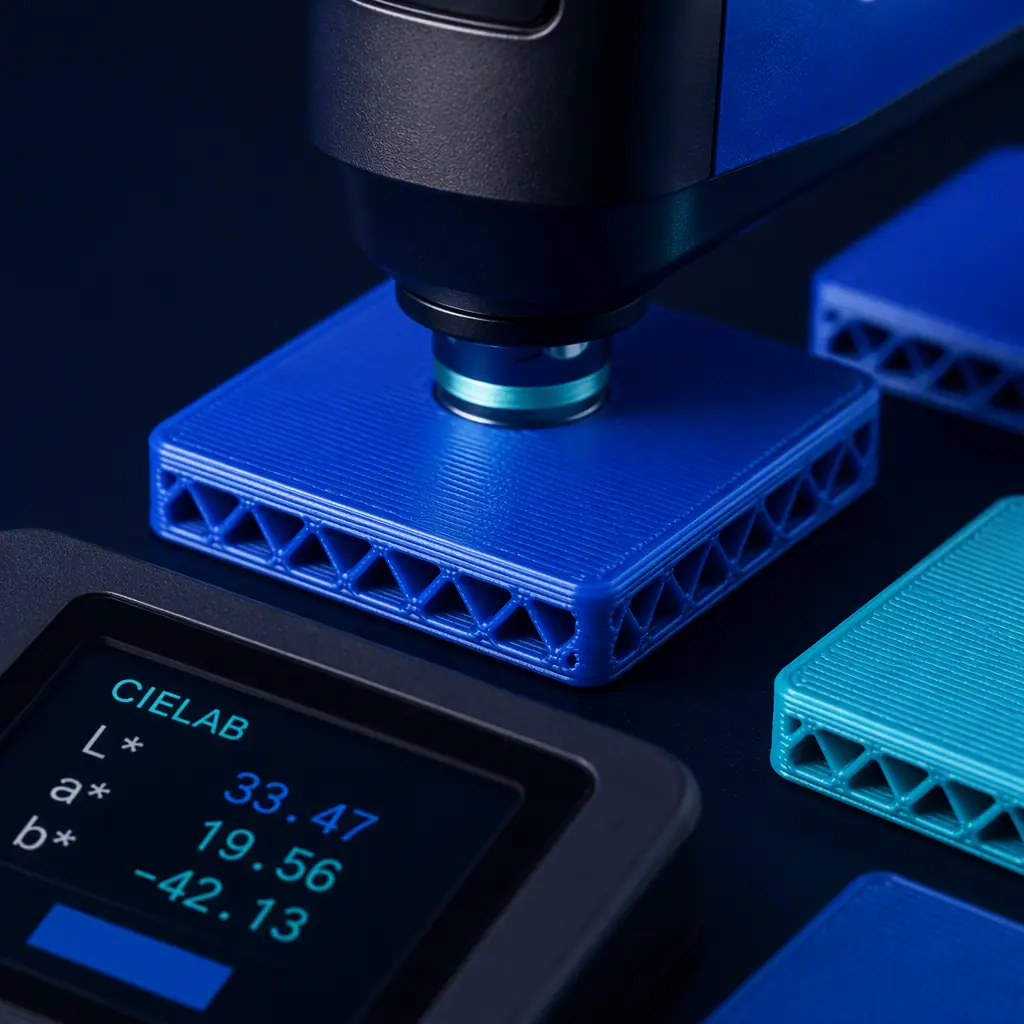
What you're looking for: Work the list in order of likelihood. If the darker batch also has surface bubbles or strings, it is moisture — dry it. If the white is yellowing, it is heat or dwell — lower the barrel temperature. If nothing about the part changed but the shade did, it is the recipe or the pigment dispersion from the spool vendor — compare the batch number and the dispensing lab. Measure the ΔE on a swatch so the issue is a number, not a debate.
Reading the Recipe: Masterbatch, Let-Down and Pigment Loading
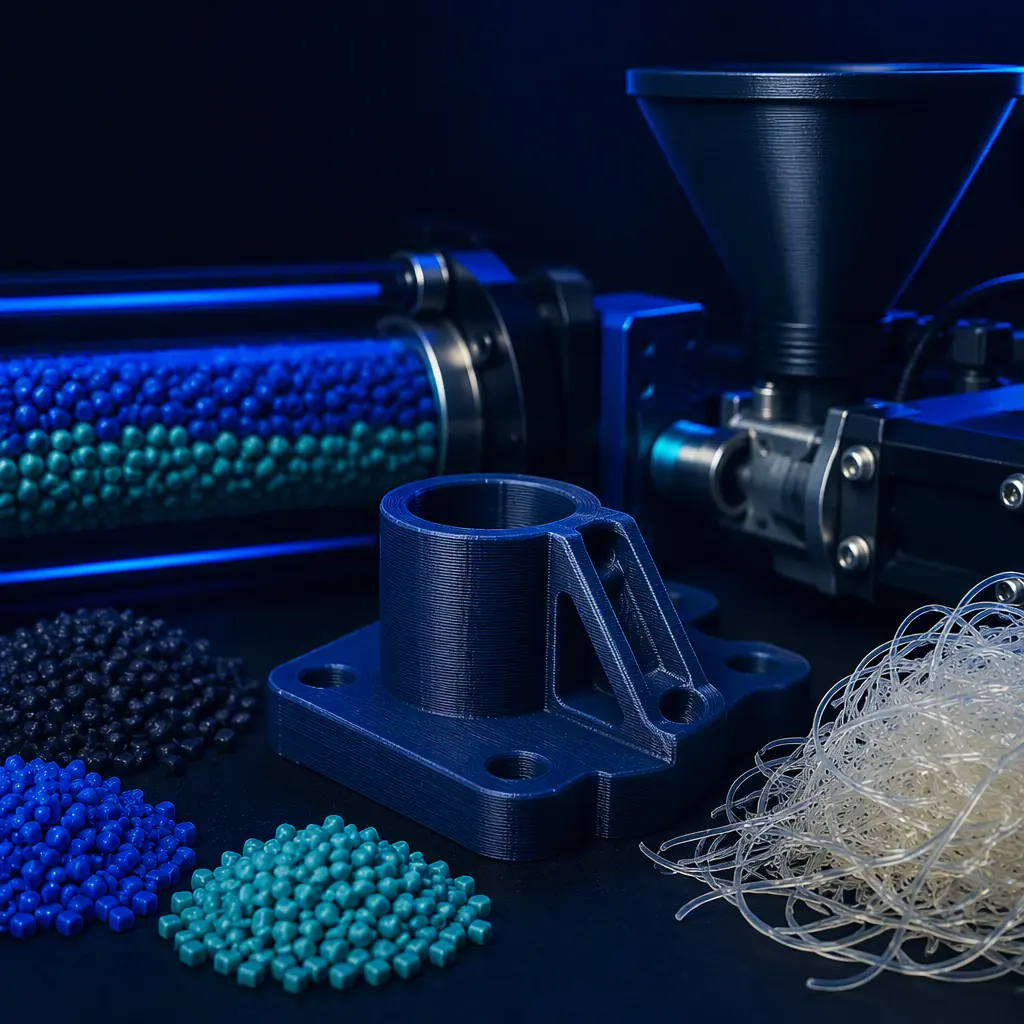
Most colored filament is made by diluting a pigment-loaded masterbatch into a natural polymer base. The masterbatch carries a high pigment concentration — commonly 20-40% — and is let down to the target carrier at a ratio that usually lands between 2% and 5% depending on the pigment and the desired strength. A higher loading gives a richer, more opaque color but starts to cost you mechanical performance, because pigment particles sit in the polymer matrix and reduce layer adhesion and ductility.
Keeping pigment loading under about 2% in the finished part is the common guardrail for maintaining mechanical integrity, especially for functional parts. The trade-off is that a low loading in a high-strength natural base can leave a slightly translucent or muted color, which is why premium opaque lines charge more — they are balancing color depth with strength. For the foundational filaments and how they behave mechanically, our engineering filaments guide and the filament stocking guide both apply.
Pantone, RAL and the Gamut Problem
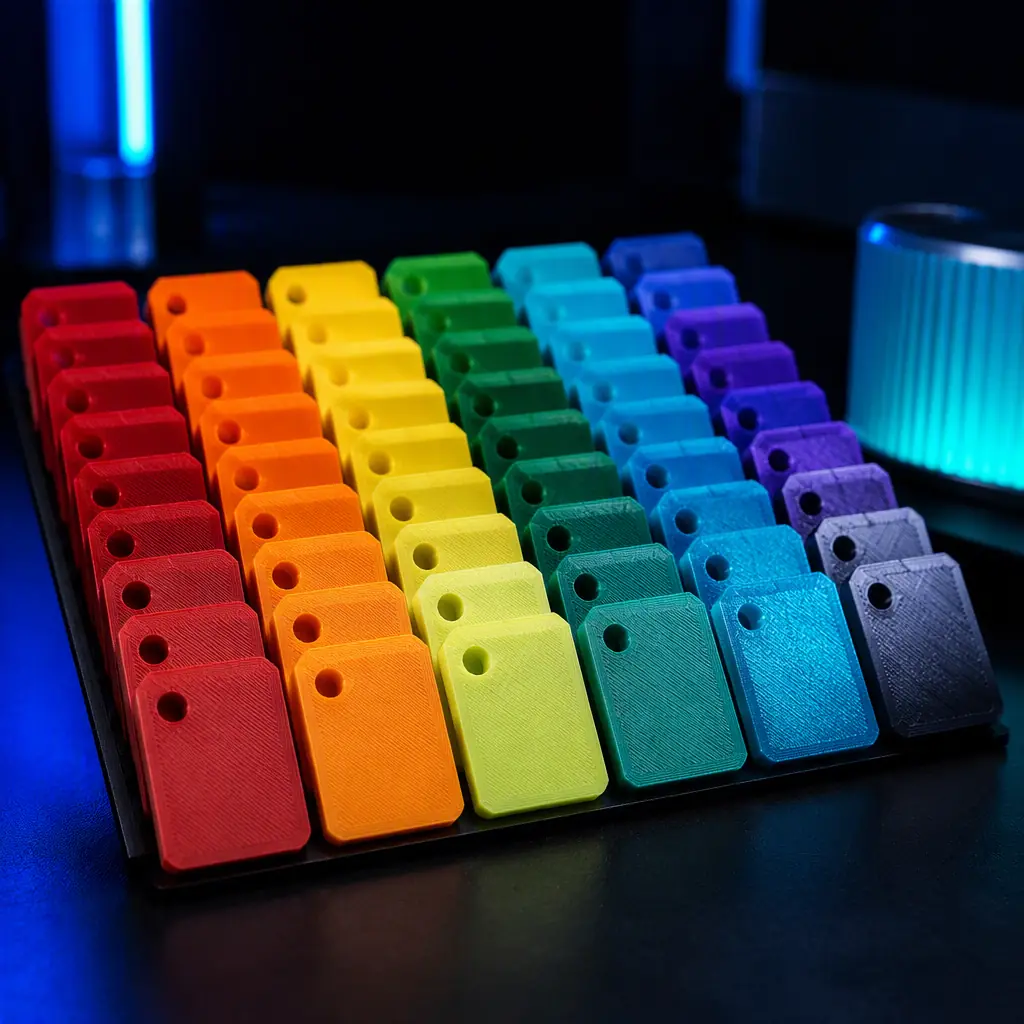
Brand colors are usually specified against a system — Pantone (PMS) in the US and marketing world, RAL in Europe and industrial settings. The trap is that these systems are designed around opaque coated inks and paints, not filtered polymer and light. Converting a Pantone reference to a printable color is not a one-to-one match: a 3D-printed part cannot reproduce the full metameric and metallic range of an ink, and some brand colors fall outside the printable gamut of an FDM or resin process.
In practice, a smart distributor communicates the achievable tolerance rather than promising an exact match — "ΔE ≤ 2 to this Pantone reference" is a defensible spec, whereas "exact Pantone" invites a dispute. Metallic and pearlescent colorants stretch the gamut slightly but introduce their own anisotropy under a changing light angle. For how colorant and additive choices interact with a premium consumable line, see our exotic & specialty filaments guide.
The Color-Change and Purge Problem
Every time a printer transitions from one color to another it pays a purge tax. A filament switch involves pushing out the previous material, which means a length of transition waste — often 20-50 grams, plus a "sacrifice print" to confirm the new shade has fully arrived. On a print farm running many colors, that waste is real, recurring cost; a distributor quoting a multi-color job should build the purge into the price rather than treating it as a rounding error. For the same reason, a lot of small, single-color print jobs are cheaper to batch by color than to interleave.
The distinguishing factor in a multi-material machine is the dwell and the filament switching management. For the ecosystem of systems that handle several materials and colors, our multi-material 3D printing guide and multi-color printing guide cover the machinery and the margin together.
Resin Color: The Post-Cure Curve
Photopolymer resin adds a variable that filament does not: the cure. A resin part often darkens or yellows as it cures under UV, and the amount depends on the energy dose, the resin formulation and the post-cure time. Two resin parts cured differently can end up visibly different shades even from the same bottle. A reliable workflow is a fixed cure time and lamp distance, verified against a reference chip, so the shade is repeatable rather than a moving target.
Resin is also the material where the difference between a standard and a wash-out or water-washable formulation shows up in colour handling and post-processing. For the practical comparison and the margins that come with it, our water-washable vs standard resin comparison is the reference. For choosing the base resin type that suits a color and a use, our resin type selection guide rounds out the picture.

Holding a Brand Color: The Distributor's Process
Color consistency is a process, not a spot-check. The repeatable version looks like this:
- Choose a reference — a Pantone/RAL or an in-house chip; record its ΔE target (≤ 2 for premium).
- Document the recipe — the masterbatch, the let-down ratio, the drying and the print/cure settings.
- Verify on a swatch — measure a printed chip against the reference before committing a batch to a customer.
- Control the variables you can — dry the material, hold a steady barrel temperature, and keep the cure time fixed.
- Quote a tolerance, not a promise — "ΔE ≤ 2 to reference" is a spec; "exact match" is a future dispute.
A distributor who can hold a shade batch after batch has a genuinely defensible premium position, and it compounds into the finishing work that raises each part's value. For the full set of surface and finishing steps a distributor can sell, our post-processing & finishing guide is the anchor.
How Precise3D Helps Partners Hold the Shade
At Precise3D we engineer precision 3D printers in our Shenzhen network and test every machine before packing, and we build partner workflows around real commercial constraints — material quality, dimensional accuracy and the finishing that makes a part sellable. Our capabilities and quality pages outline the control behind that, and our distribution program explains how a partner buys, brands and ships.
If you are evaluating us as a supplier of printers for a color-driven printed-parts business, the honest first step is a 1-5 unit sample order at wholesale pricing, tested in your own market. Custom branding begins at 100 units. Pair it with our post-processing guide to plan the finishing and color dollars you want to attach.
Reviewed by the Precise3D engineering & materials team. ΔE thresholds, masterbatch ratios, pigment loading, purge and cure figures reflect standard material and colour-management guidance and should be validated against the specific grade, pigment and process. Auditable quality and compliance backing is held in the certification register.
Sell the Shade, Hold the Spec
Ready to Build a Premium Color-Consistent Parts Program?
Join our network of global distributors. Precision printers, print-tested machines and a partner program built around color, material quality and finishing — from shade to shelf, ready for your market.